Summarize This Article with AI


Gmail is the most popular email service, with over 2.5 billion users worldwide. Many people use a single Gmail account for everything, but having multiple accounts can improve organization and productivity. You can separate personal, work, and project-related emails. Businesses and freelancers also benefit from different accounts for marketing, customer support, and networking.
If you want to get multiple Gmail accounts, this guide will walk you through the best methods to achieve this. You’ll learn how to create an account without violating Google’s policies. By the end of this article, you’ll have the required tools to streamline your workflow and keep your emails organized.
Why Do You Need Multiple Gmail Accounts?
Here are some common reasons why people need more than one Gmail account:
1. Manage Multiple Projects
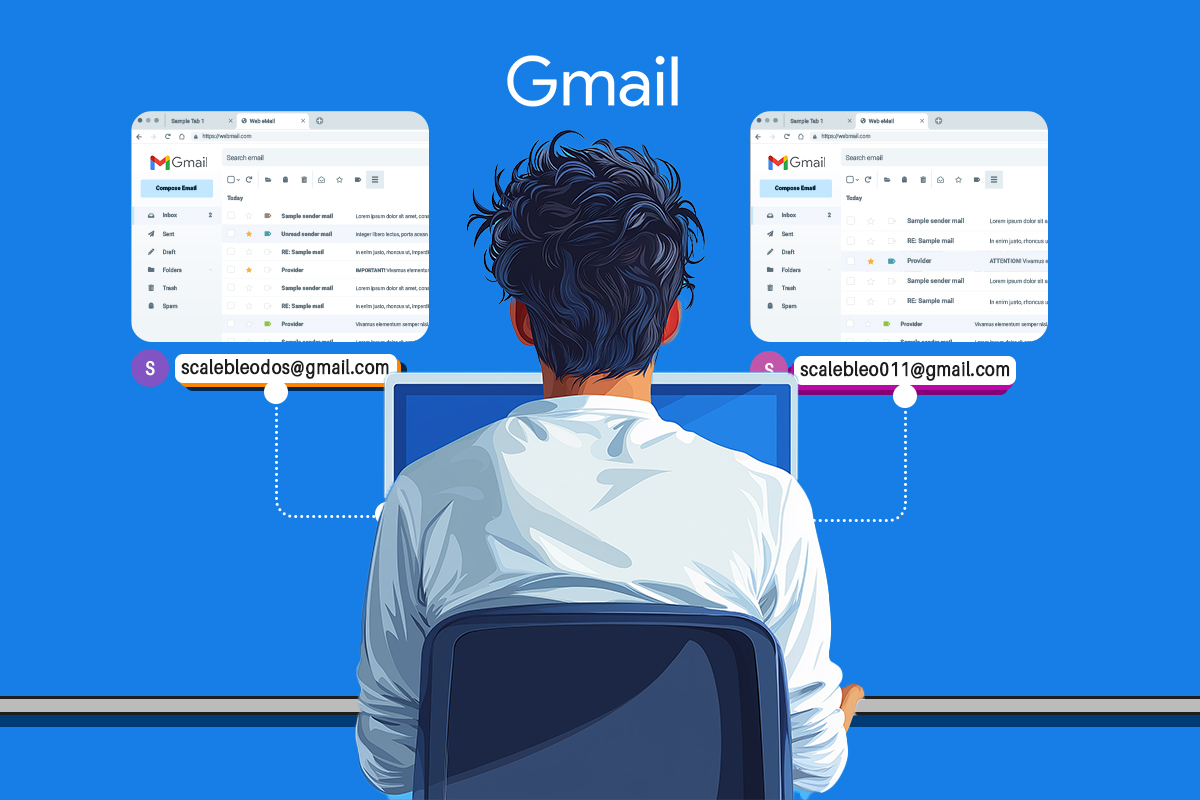
Handling different projects becomes easier when you use separate Gmail accounts. If you manage personal tasks, a full-time job, and side businesses, keeping everything in one inbox can be overwhelming. But a dedicated Gmail address for each project helps you stay organized which reduces clutter and improves efficiency. So, it’s best to assign specific accounts. This way, you don’t miss important emails, and you can prioritize tasks properly.
2. Separate Personal and Professional Life
Managing both aspects separately allows for better focus, reducing stress, and improving work-life balance. A work-specific Gmail account keeps job-related emails distinct from personal messages, preventing mix-ups and distractions.
This separation also enhances professionalism as you respond to work emails promptly whilst keeping personal conversations private. Therefore, multiple Google accounts help you handle job responsibilities without compromising on personal time and other projects.
3. Privacy and Security
Using more accounts helps protect sensitive information. A data breach can expose all your accounts if you rely on a single email for banking, online shopping, and social media. However, a dedicated Gmail account for financial transactions improves security, reducing the risk of fraud.
You can also create a separate email for signing up for services, minimizing spam and phishing threats in your primary inbox. This setup safeguards your confidential details while maintaining better control over online interactions and subscriptions.
4. Testing or Experimenting with Services
Multiple Gmail accounts are useful for testing new apps, tools, or services. If you want to try a new platform without linking it to your primary email, a separate Gmail account is a risk-free way to explore these features. Even developers and marketers often use secondary accounts for testing email campaigns, automation or software integrations.
This method allows you to experiment without affecting personal or business data. Once satisfied with a service, you can decide whether to integrate it into your main account.
5. To Run Marketing Campaigns

Businesses and marketers often need many Gmail accounts to manage campaigns. If you run an email marketing outfit, customer outreach, or ad campaign business, separate accounts help organize communication with these niches. A dedicated email for client interactions also facilitates customer engagement, while another can handle promotional content.
This approach prevents emails from getting lost in a crowded inbox and streamlines workflow. Using new accounts also helps marketers test strategies, track responses, and optimize campaign performance without affecting primary business emails.
3 Simple Methods to Have Multiple Gmail Accounts
Here are 3 tips you should follow if you have multiple Gmail accounts:
1. Buy Gmail Accounts

Buying Gmail accounts is the fastest way to get multiple accounts without going through the manual setup process. It saves time and effort while providing instant access to verified accounts. This method is ideal for businesses, marketers, and individuals who need multiple accounts for various purposes like email marketing, social media management, or business communication.
To get multiple Gmail accounts effortlessly, buy Gmail accounts from Media Mister. We offer 100% verified and active Gmail accounts with an account retention guarantee, ensuring long-term usability. Moreover, the accounts come pre-verified which also reduces the hassle of verification and activation. Plus, with our money-back guarantee, you can purchase with confidence.
2. Create Gmail Accounts Manually
You should create multiple Gmail accounts yourself to get full control and better personalization. This allows you to set up custom usernames and provides enhanced privacy and added security features. However, Gmail has strict account creation limits, so overcoming them requires proper strategies.
First, you can use different phone numbers for verification. You can also use various devices or virtual phone numbers to bypass Google’s restrictions. So, set strong and unique passwords for each account and enable two-factor authentication. Clearing browser cookies or using incognito mode can also help prevent Google from flagging multiple sign-ups from the same device.
3. Utilize Google Workspace
Workspace is the best solution for businesses needing multiple Gmail accounts with professional email addresses. It allows organizations to create accounts under a single domain. It provides better security, and avails you more storage and collaboration tools like Google Drive and Meet. You also get business-grade email solutions with administrative control and advanced security features.
You must sign up for a Workspace plan to create multiple Gmail accounts for your business. Then create user accounts for employees or different business functions. Assign specific roles and permissions to manage access levels efficiently. Google Workspace also provides centralized account management for communication and collaboration across teams.
Conclusion
Getting multiple Gmail accounts can be beneficial for managing personal, business, or marketing needs. Whether you obtain them through account creation, third-party services, or by purchasing verified accounts, it’s essential to follow Google’s guidelines to avoid restrictions.
Always use proper management tools, enable security features, and ensure compliance with Gmail’s terms of service. Using the right approach, you can get multiple accounts and efficiently handle them while maintaining privacy and security.