
Nothing is more irritating and frustrating for a TikTok user than getting shadowbanned – especially when you don’t even know what you have done to deserve this punishment. Thus, the most frequently asked question by TikTok users is how to get unshadowbanned on TikTok.
Fortunately, today’s post is filled with all the wisdom you need to deal with this problem. We’ll talk about the concept of Shadowban on TikTok, see the reasons that trigger this adversity, and at the end, we’ll take a close look at the steps you can take to get unshadowbanned.
But first, we request you to kindly clear your head of all the rumors you’ve heard about Shadowbanned and focus on the following headings because every word you are about to read is verified by experts, and every tip is tested by experts. So, without further ado, let’s start.
What is a Shadowban on TikTok?
Shadowban on TikTok is like an unofficial punishment from the TikTok’s algorithm! Once your account is shadowbanned, your videos will stop getting engagement and won’t appear on the For You page of the TikTok.
And when your content doesn’t reach the “For You Page“, its likes, shares, engagement, organic reach, plays, and all other stats will drop down, causing severe damage to your account.
The worst bit about getting shadowbanned is that you might never find out that your account has been banned until someone points it out to you. That’s what makes this obstacle so hard to conquer and makes you want to bang your head against a wall.
Shadowban is mostly triggered when you upload some inappropriate content on your TikTok account, but then again, you can never be sure because it’s hard to find out if your stats are falling because of the Shadowban or some other reason. Therefore, the first thing you need to learn is to identify if your account has been shadowbanned or not.
How Do I Know if I am Shadowbanned on TikTok?
If your videos have suddenly stopped getting views, and their engagement rate has drastically dropped, then it’s a clear sign that your account might have received a Shadowban. Here are some of the most significant changes that can help you identify if your account is under a Shadowban or not.
- People won’t be able to find your account in the search results.
- Your videos will stop appearing on the “For You” page.
- Your account will stop getting new likes and comments from viewers.
- Account will stop getting new followers.
- The account’s engagement rate will take a nose dive.
If you’re observing these drastic changes in your account, then it’s positive that your account has been shadowbanned, and you must do something to break free from this curse.
Why am I Shadowbanned on TikTok?
Getting shadowbanned on TikTok is frustrating as it is, but it becomes especially infuriating when you don’t even know why you have received this punishment. So, here are the three main causes that trigger a Shadowban on TikTok that you should know of.
1. Not Following Community Guidelines
The most common cause of getting shadowbanned on TikTok is uploading content that violates the community guidelines. If you upload videos that contain some kind of hate speech, offensive content, or copyrighted music, the algorithm will quickly place Shadowban on you.
Since this factor is common among several social media platforms, it can be easily avoided by staying careful and making sure that your videos don’t go against TikTok’s community guidelines in any way.
Keep in mind that if you don’t stop uploading outrageous content, your account can get permanently banned, which would be irreversible. Hence, it’s best to stay cautious and respect the guidelines.
2. Spam Behavior
Continuously spamming the same kind of content over and over again is highly discouraged by the TikTok algorithm. Therefore, if the algorithm recognizes a spam pattern in your content, it won’t waste any time placing a Shadowban on your account.
3. Posting Lots of Videos
You might find it hard to believe, but uploading too many videos on your TikTok account can also get you in trouble. The algorithm considers constant uploading as a kind of irregularity and might place a temporary Shadowban on your account to limit your activities.
The best way to avoid this factor is to keep your upload limit from 1-to 4 so you don’t get on the bad side of the algorithm.
How Long Does a Shadowban Last on a TikTok Account?
There was a time when TikTok Shadowban only lasted up to 24 hours, but the developers felt that this time period wasn’t enough to teach a lesson to the people who were violating the community guidelines. Therefore, over the past few years, they continuously increased the Shadowban period, and as of now, a TikTok Shadowban lasts for two weeks.
In the first week, you won’t be able to identify the Shadowban, as it will only slow down your views and follower count. But when the account enters in the second week of Shadowban, it restricts the user from making new videos or entering new tags in their previous ones.
How to Get Unshadowbanned on TikTok?
Now that we know everything about this deadly curse of TikTok, it’s time to find out how to fix and get unshadowbanned don TikTok. These tips will help you fix the mistakes that led to your account’s Shadowban and will help revive your video views, engagement, and follower count.
1. Uninstall and Reinstall TikTok
Sometimes all it takes to get unshadowbanned is uninstalling and reinstalling your TikTok app! There have been cases where people started observing a sudden decrease in their engagement rate and follower count just because the version of their TikTok app was old.
So, first of all, make sure that the version of the TikTok application you have on your device is updated. If it’s not, uninstall it immediately, and go to the app store to reinstall it. By doing so, you will remove the app’s previous cache, and the latest download will give you a new start.
2. Switch to a Pro Account
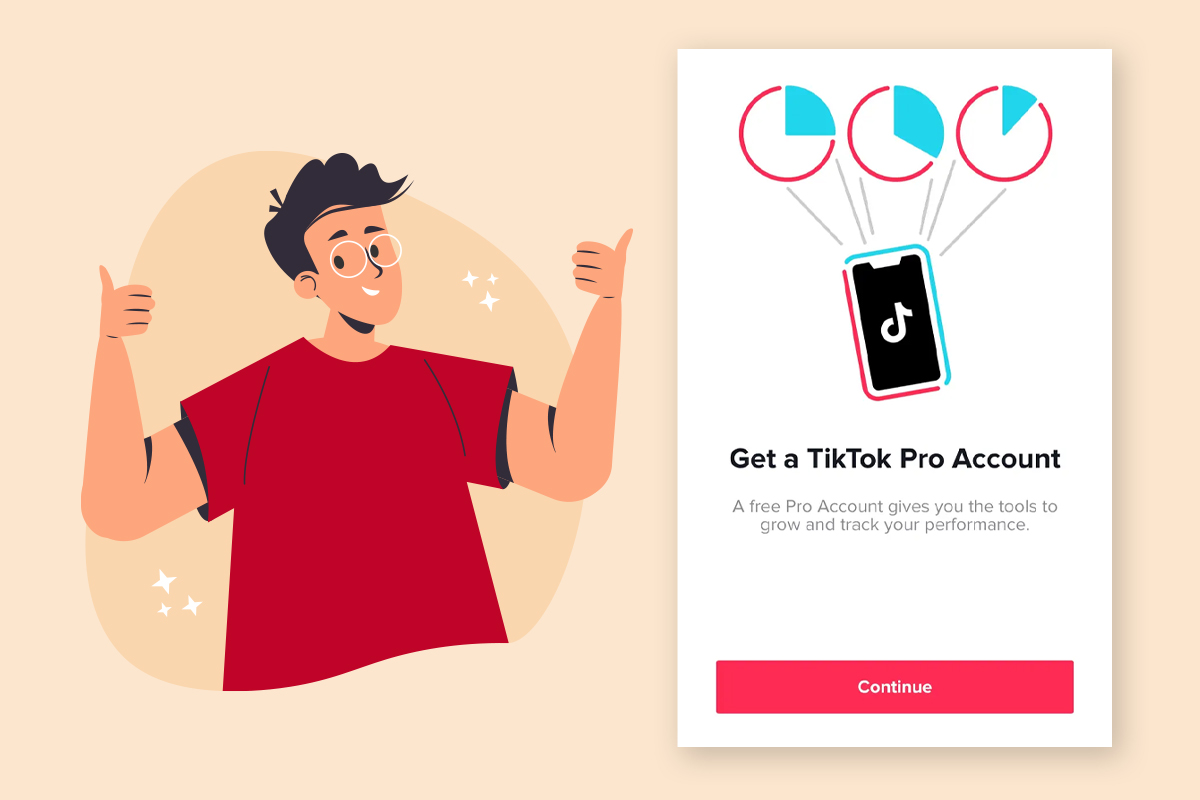
Getting a TikTok pro account is considered a great way of getting unshadowbanned. Why is it? Because when you upgrade your account to pro, you instantly get access to some advanced features, and one of those features is insights.
Through the insights feature, you will be able to find out the exact reason behind your account’s falling engagement rate, organic reach, and followers count. In simpler terms, you will be able to catch the Shadowban in the early stages and take appropriate steps to get rid of it.
3. Delete Offensive Content
Go through your whole TikTok account and remove every video that you think has some offensive element in it. Through this tactic, you basically eradicate the possible reasons which you might have received a Shadowban.
In most cases, as soon as people remove their recent videos and delete all the offensive content on their account, they get unshadowbanned, so it’s quite a recommended tip.
4. Don’t Post TikTok for Some Time
If you feel like your account is under a Shadowban, then it’s best to seize all activities on your account. Don’t upload any video for some time until you start seeing some activity on your videos and account again. You just have to lay still for about one or two weeks, and that’s all. Sometimes even doing nothing can help in getting unshadowbanned.
5. Post Original and Creative Content
Make sure to always upload original and creative content. TikTok algorithm discourages content plagiarism and places a Shadowban on accounts that steal others’ content and upload it as their own. Thus, it’s best to make your own content and keep it as original as possible.
6. Contact TikTok Support
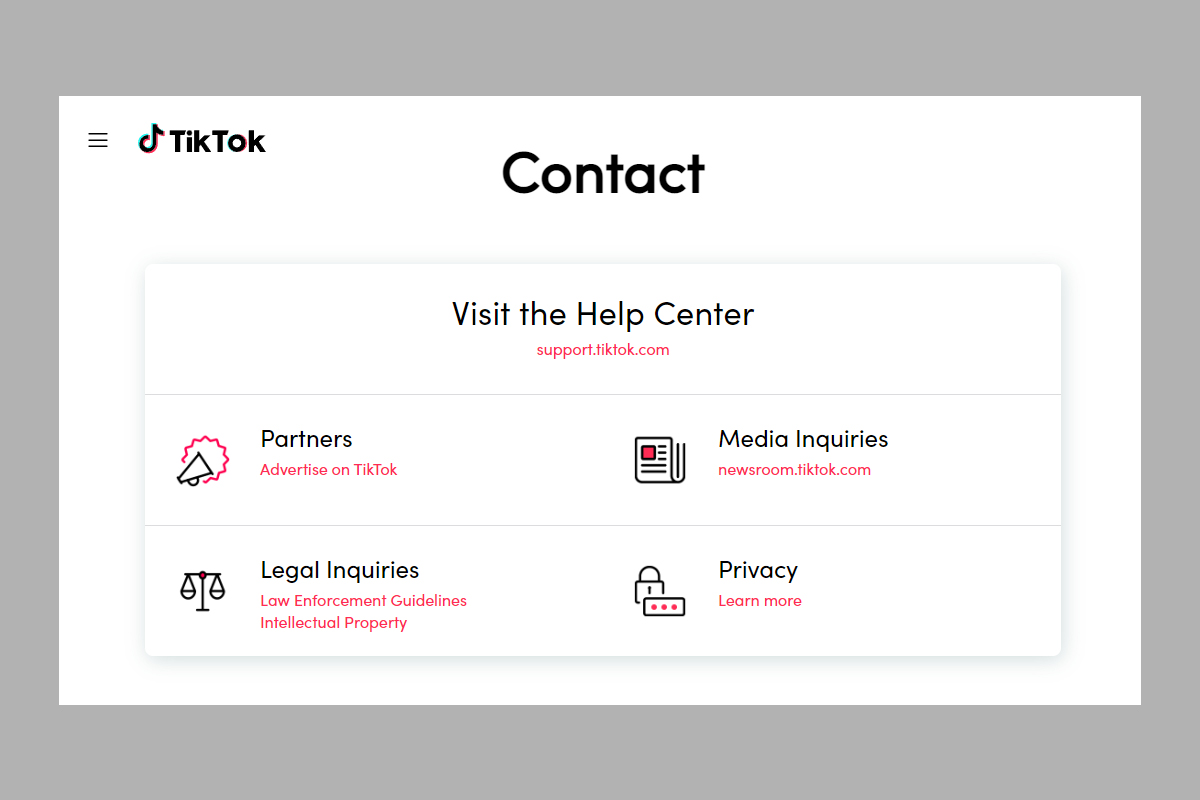
Once you remove all the possible causes get your banned TikTok account back by contact the TikTok support and let them know about your situation. They will review your account, and if they feel like it’s not in violation of the guidelines anymore, they will remove the ban.
Conclusion
Getting a TikTok Shadowban sure is a hassle, and it takes a lot of effort to get rid of it. That’s why it’s always best to avoid doing anything that might trigger a Shadowban and makes sure to respect TikTok’s community guidelines. With that said, we hope that you found this article useful and learned everything about the concept of Shadowban on TikTok.
If there’s anything more that you want to know, please let us know in the comment section, and we’ll explain it in some other post. Please subscribe to our newsletter and check out our blog page for the latest informative content that can really help you step up your social media game.
Frequently Asked Questions
1. Can You be Permanently Shadowbanned on TikTok?
TikTok Shadowban is like a punishment, so they only last for a short period of time. But if you keep violating TikTok community guidelines, your account can get permanently banned.
2. How to Get Unshadowbanned Fast?
Delete your recent videos, and make sure to erase all the offensive content from your account. Hopefully, when the algorithm observes that all the questionable material is deleted, it will lift the Shadowban.


Leave a Reply