
Pinterest started as a simple image-sharing platform, but now it ranks among the top social networks with its ever-growing user base. Thanks to this progress, brands, and businesses started taking an interest in this platform and asking how to increase Engagement on Pinterest.
Now, Pinterest engagement may not sound important to you, but if a brand like Nike has a Pinterest profile and is making pins, then it must be important! Besides, you must already be using Facebook and Instagram for marketing purposes, so why not use Pinterest as well?
By increasing Engagement on Pinterest, you can boost your sales, authority, and brand awareness on unprecedented scales. Why? Because there are more than 450 million Pinterest users, and every week, 80% of them buy something after seeing its image on Pinterest.
Yeah! That’s right! With this high level of economic activity on this platform, selling products and raising brand awareness becomes a piece of cake. All you have to do is focus on increasing your Engagement on Pinterest, and profits will follow.
Further in this article, we’re going to talk about Pinterest engagement in detail and give you expert tips for how you can boost Engagement on your Pinterest business account.
What Does Engagement Mean on Pinterest?
Ok, so we know that Engagement on Pinterest is vital for a business’s growth, but what is Engagement on Pinterest, and how can you define it? Well, Engagement on Pinterest is like Engagement on any other platform.
When you get more interactions on your pins in the form of likes, shares, comments, and Pinterest saves, it means that your pins are getting more Engagement.
Most people think that Pinterest engagement must be a convoluted idea that is hard to grasp, but actually, it’s all about getting more likes and shares on your content. Also, it means a lot for your brand, especially if your goal is to spread brand awareness, so better focus on boosting it.
How to Get More Engagement on Pinterest?
As more and more brands joined Pinterest, attracting the target audience and getting Engagement has become difficult. Fortunately, these tips will teach you how to make high-performing pins and give you some insights to boost your Pinterest engagement rapidly.
1. Use Perfect Pinterest Images
Since Pinterest is an image-sharing platform, the first thing you need to ensure here is that every image you pin must be aesthetic and high quality in every way. Over the years, Pinterest users have developed this habit of looking at only the best content and ignoring the rest.
Thus, posting perfect images is vital for your survival on Pinterest and getting Engagement. Here are the three elements you should ensure to maintain the expected image quality on your Pinterest account.
Quality And Size
All images you pin must follow the Pinterest size guidelines and should be of high quality.
Long Images
Since most Pinterest users watch pins on their mobile app, you should pin your content in the form of long images so they look good on a mobile screen and hold the audience’s attention.
Attractive Cover Image
Make sure to add an attractive and aesthetic cover image on your Pinterest profile that reflects your brand’s values and makes a viewer want to check out what your brand stands for.
2. Schedule And Post Pins
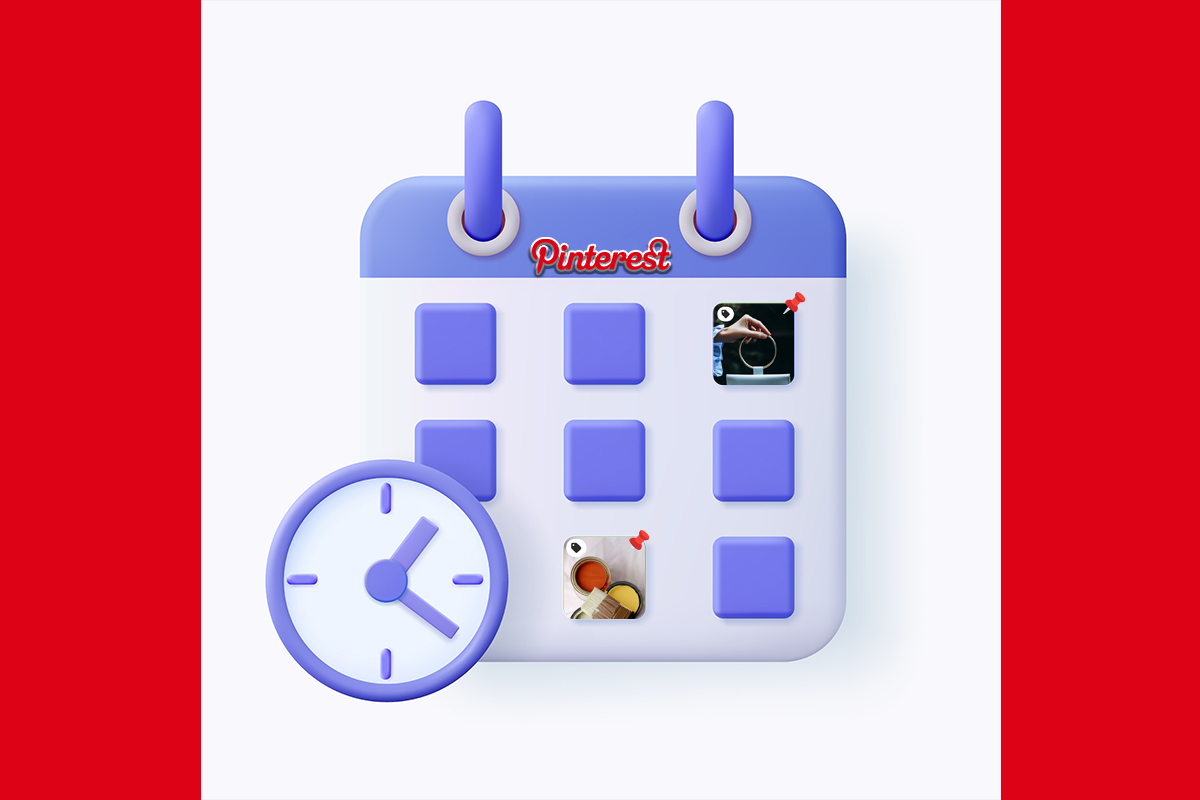
Plan your content ahead of time and schedule pins for upcoming days to ensure a continuous flow of new content for your audience. This strategic approach is recommended by experts for an effective marketing strategy focused on brand awareness.
When you schedule pins for a week or fortnight, they automatically upload at specific times, increasing their chances of reaching your target audience at the best time to post and boosting brand awareness.
Create a content plan for your pins, design them accordingly, and schedule them for set dates. This not only saves you time from uploading them individually but also maximizes engagement on your pins.
3. Video Pins Are Highly Engaging
Yes! You can pin videos on Pinterest as well. In fact, video pins are known to inspire the audience more as compared to still images. Famous brands like Nike and Etsy share video pins from time to time to give their audience something new and fresh.
That’s why you should also whip up cool and aesthetic videos to pin on your account and share them frequently to get more likes and shares on them.
4. Write Effective Pin Descriptions
Effective pin descriptions can really help you in increasing engagement and driving traffic to your website. You just need to add a couple of relevant trending keywords to your pin description, so your pin can appear in search results against those keywords and gets more Engagement.
Also, add the link to your website at the end of the description to allow the viewer to visit your website and check out more of your content. See, you can achieve both your primary goals with just this one trick, so make sure to apply it.
5. Make Your Pins Easier To Find
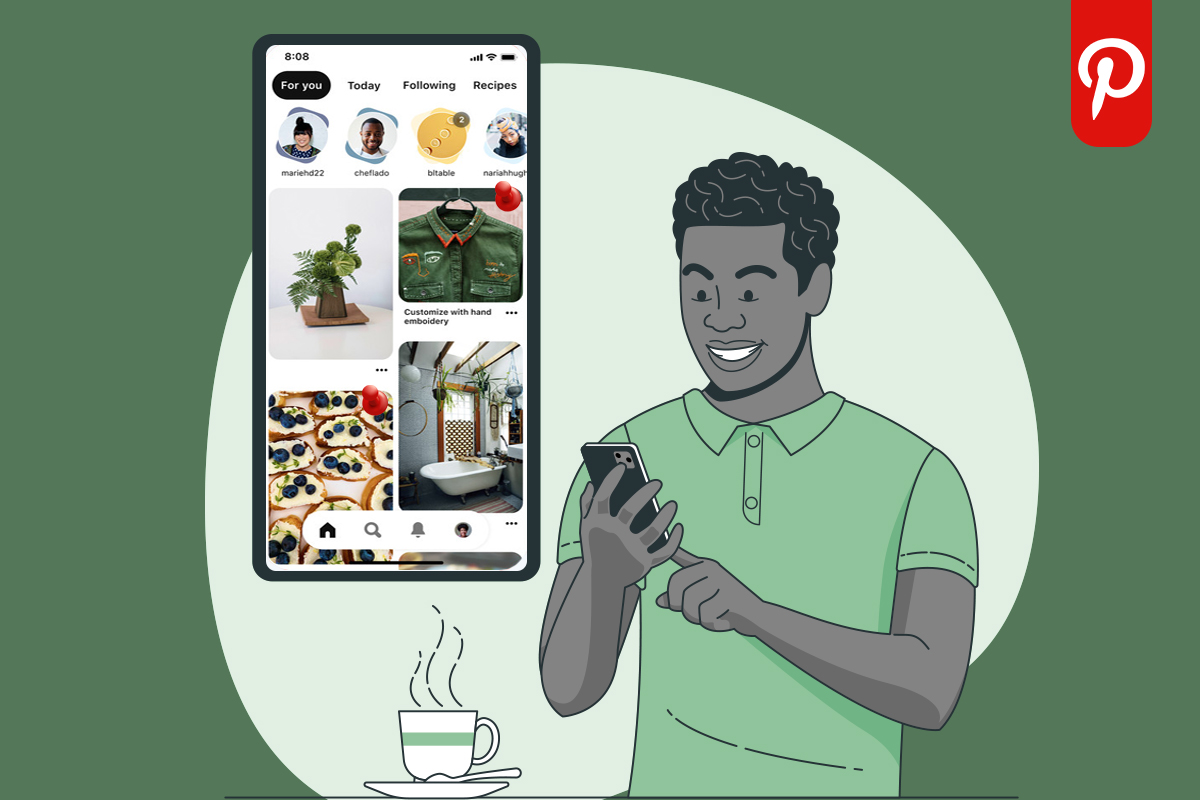
For people to interact with your pins, they first need to see them, right? That’s why you need to make sure that all of your pins are easy to find, and to do that, you need to fill them up with relevant keywords and hashtags.
Keywords will make it easier for people to find them in search results, and adding hashtags will ensure that the algorithm recommends your pins to the interested audience. In this way, more people will see your pins, and thus chances of your content getting more Engagement will boost.
6. Use Rich Pins
Rich pins are basically the pins that synchronize the information from your website and show it when you click on them to see the details. Since rich pins contain more information about your brand and products, they are more engaging and attract the audience to interact with them.
Also, making rich pins is quite easy too, so try to post as many rich pins as you can to increase your chances of getting more engagement on your content.
7. Repin Content From Other Users
Don’t just use Pinterest to promote your own brand and repin other people’s content from time to time to show that you’re interested in what’s happening on the platform. It also shows your audience that you are not all about business and care about ideas and concepts too.
So, next time you see an aesthetic image or video relevant to your business, make sure to repin it to draw the audience’s attention and get more Engagement on your future pins.
8. Install The Pin It Button
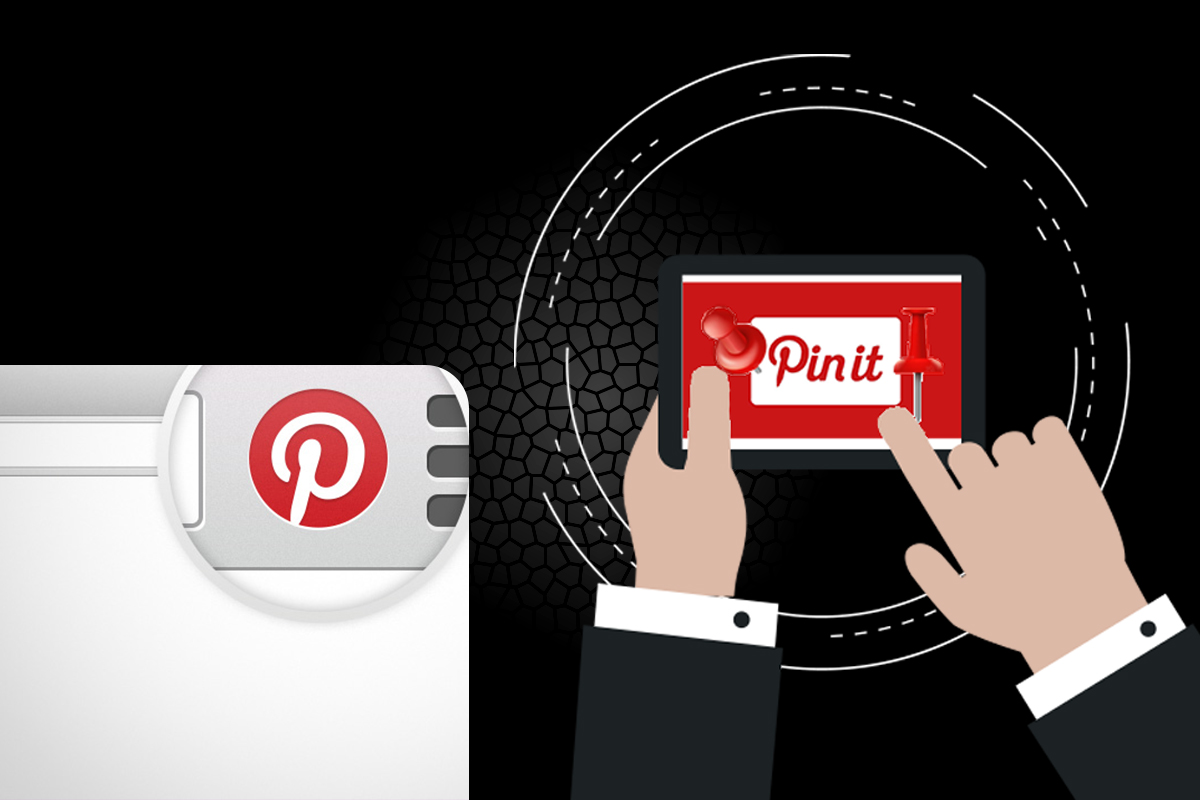
Add a Pin it button to your website or blog, so your visitors can share your content to their Pinterest account with a single click. This step is perhaps one of the easiest ways of driving traffic to your profile and getting more shares on your content.
And as you know, the more shares your pins will get, the more their Engagement will increase. That’s why install a pin it button on your blog or website as soon as you can to use your website traffic to boost your Pinterest account’s Engagement.
9. Create Numerous Relevant Boards
Pinterest boards are a place where you can add a cluster of relevant pins for viewers to come and interact. Most Pinterest users follow several boards related to a topic to stay updated and continuously get new content regarding it.
That’s why you should create numerous boards relevant to your brand and pin content there, so the interested audience can follow them. Additionally, creating a Group Board can further enhance engagement. When users interact with the images or videos you pin, it will increase the engagement rate of your profile.
10. Use Call To Action
Inspire the audience to interact with your audience by using a call to action. Share this pin now to spread laughter or Follow this board to get a daily dose of interesting content. Use catchphrases like this as CTAs, and the Engagement on your pins will boost in no time.
11. Use Pinterest Analytics
If you have a Pinterest business account, you should use Pinterest analytics to understand what kind of content your audience likes, in which hours your audience is most active, and which of your pins are performing well.
With this information, you can not only adjust your content style but also formulate better marketing strategies in the future. Therefore, learn about all the metrics of Pinterest analytics and use them to improve your content quality and thus your engagement rate.
12. Run Pinterest Ads
Got a big marketing budget to spare? Well, then you should try Pinterest ads to reach more people and get more Engagement on your promoted pins. The reach Pinterest promises with ads is quite promising, and many famous brands run Pinterest ad campaigns from time to time.
So, formulate an effective marketing strategy, narrow down your audience, calculate pros and cons, and after all these steps, start running Pinterest ads to make your content appear in front of the relevant audience to get more Engagement on it.
13. More Followers Lead To More Pinterest Engagement
The most straightforward method of getting more engagement on Pinterest is to get more followers. More followers mean more likes, shares, saves, and thus an overall increase in your account’s engagement rate.
That’s why all the major brands try to increase followers on Pinterest as soon as they step in. Nike started its brand awareness campaign on Pinterest soon after making their business account to attract footwear enthusiasts and make them their followers.
And that’s exactly what you need to do as well! While you apply the rest of the tips, focus on getting more followers on your account to get more shares, likes, and comments on your pins, which will take your engagement rate through the roof.
14. Engage With Audience
To retain your audience and make them stick with you, make sure to engage with them. Reply to their comments and repin their content in order to make them feel valued. These actions will turn people into your dedicated followers, and they will invite others to check out your pins.
And obviously, when more people will interact with your content, the engagement rate on your pins will increase, and your goal will be achieved. So, be nice to your audience and interact with them as much as you can to make them share your pins and do your marketing for you.
15. Host A Contest

There’s no better way to engage the audience and boost the engagement rate on a pin than hosting a contest. If you’re a brand, it’s even better for you because contests will give you a chance to introduce your products to people. Here’s how.
Start with setting a goal for the audience and tell them that the person who will share your pins the greatest number of times will win (you can set another goal too if you want). After that, you need to announce a prize, which can be your brand’s product. The last step is to commence the contest and sit back.
Your engagement rate will start rising as people will chase the goal, and in the end, you can announce a winner and give the prize. At the end of this process, you’ll be left with an elevated engagement rate and a more engaged audience, both of the goals businesses desperately need to achieve.
Conclusion
We earnestly hope that you liked today’s article and found all the tips helpful for your cause. Remember that increasing the engagement rate on Pinterest requires consistency, so make sure to apply all these tactics on a regular basis to eventually get positive results.
For more interesting and informative articles like this, follow our blog and reach out to us on our social media channels for any queries.


Leave a Reply